
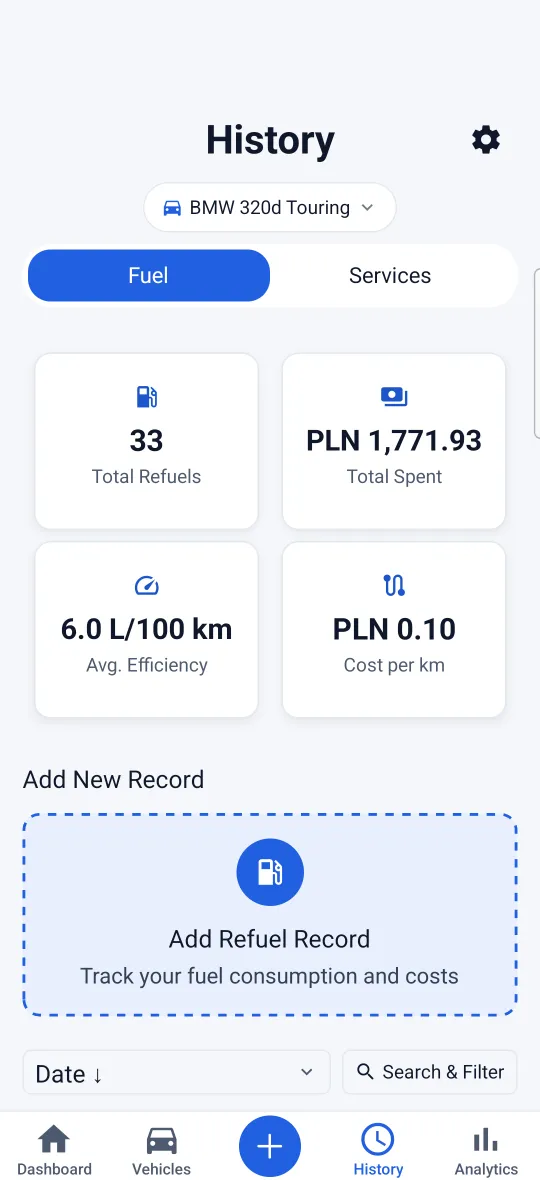

Refuels and Consumption
Log each refuel and see L/100 km, with every tank compared against your car’s own average.
Refuels, services, reminders and what they cost, in one place. Sign in with the account you use in the app: everything you logged is already there.
Signed in with Apple on iPhone? Apple sign-in on the web comes later.
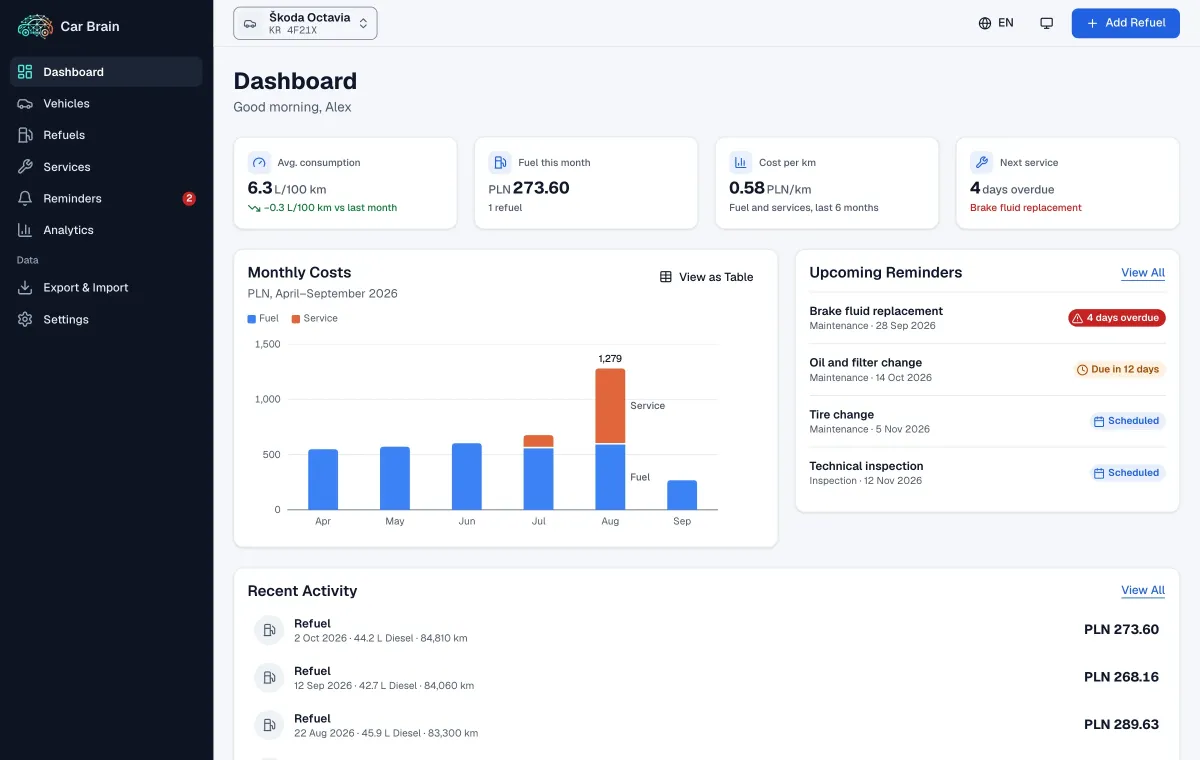
Pick a screen, or click the window to look closer. Sample data. The window is the web app. The phone photos are the Android app, in English. The window and the phone are two different sample cars.
The logbook from the app: refuels, services and reminders, with the numbers worked out for you.
01 of 06
Log each refuel and see L/100 km, with every tank compared against your car’s own average.

Every service with its cost, odometer reading, provider and invoice photo.

Schedule the next oil change or inspection. Overdue items stay on top until you log them.

Fuel and service costs by month, cost per km, and how they change over time.

Several vehicles in one account, each with its own history. Add one by its VIN in the app.

Short, plain-language notes on your consumption and costs.
The logbook from the app: refuels, services and reminders, with the numbers worked out for you.
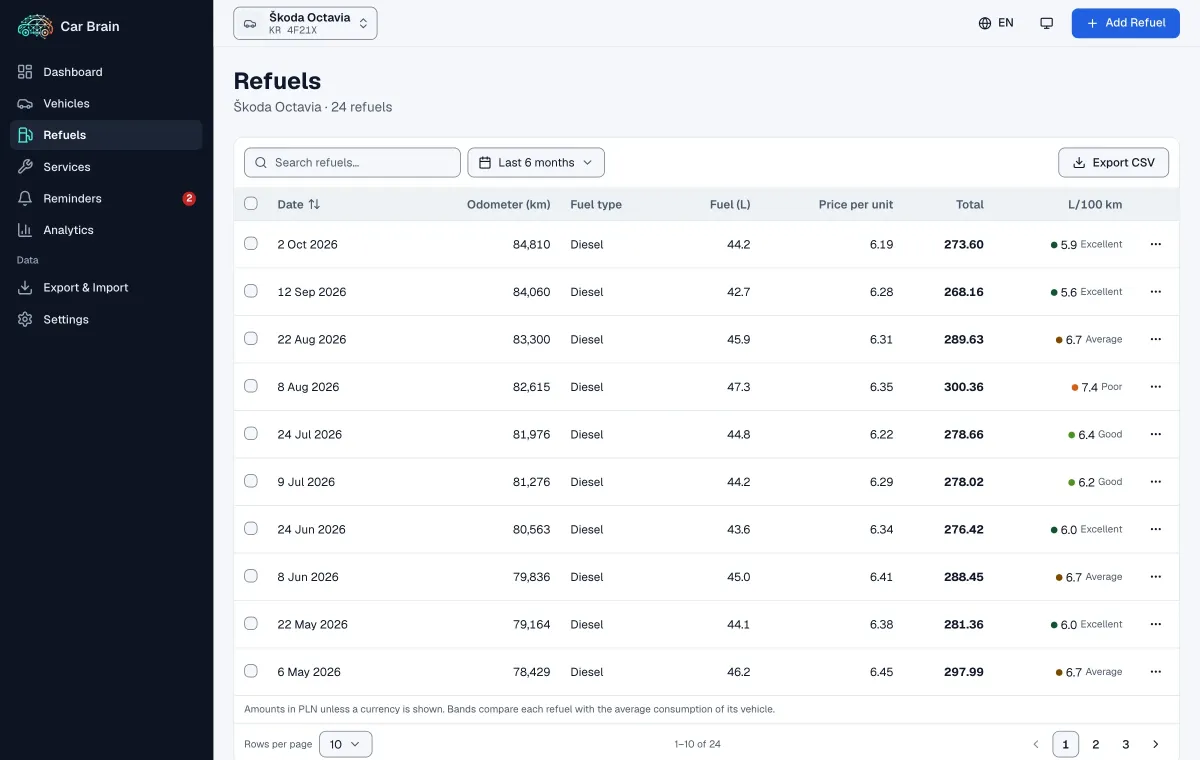
Sign in anywhere with the same email or Google account. A change on one device shows up on the others.
Car Brain follows your device’s light or dark setting. Switch to Night Driving whenever you need it.
Each phone is that theme. Choosing one sets it for this site.
Yes. Everything you logged is stored in your Car Brain account, not only on your phone. Sign in again and it is all there.
Yes, with the same email and password or Google account. Sign in with Apple comes to the web later.
The App Store and Google Play listings are offline for now. Car Brain is returning to both; until then, the web app works with your existing account.
Open Profile from the gear on the dashboard and choose Delete Account, or follow the steps on the Delete Account page. The app does not ask for your password.


